

Sometimes, you might prefer watching Paramount+ on a PS4 or PS5 rather than on a phone or computer, as the viewing experience on a large TV screen is much better. Streaming Paramount+ on PS4/PS5 is also helpful if your TV isn’t a smart TV and you don’t have a phone or computer to cast from. The good news is that watching Paramount+ on a PS4 or PS5 is easy. In the following, we’ll show you how to play it using both the official Paramount+ app and the Prime Video channel. You will have a good guide on how to create your account, install the application, log in, and enjoy the content.

Watch Paramount Plus on PS4/PS5: Way Overview
The PS4/PS5 makes watching Paramount+ very simple, and you can have it from two different options. The first method is the Paramount+ app from the PlayStation Store, while the second method is streaming through Amazon Prime Video Channels. Here is a quick comparison to help choose the right approach.
Includes all the localized content and Local CBS live feeds. Users who want a full app experience.
Purists and Sports fans.
Occasionally lacks live regional sports feeds. Users in regions where the PS app is not available or prefer consolidated streaming and app stability.
Tip: If the Paramount+ app is not available on PS4/PS5 in your location but you still want to use the official app, you can change your IP to a supported region when creating an account and ensure you have the payment method that matches the selected region.
How to Watch Paramount Plus on PS4/PS5 Using the App
You can stream Paramount+ through the official app on the PlayStation Store. Once you have installed and signed in, you are ready to watch your favourite shows and movies. Follow these 4 simple steps to get started.
Step 1. Sign up for Paramount+ on Mobile/Desktop Browser
1. Open the official website of Paramount+ on a browser. Then, click Sign up for Paramount+.

2. Choose Continue in the desired plan. Note that Paramount+ provided a 7-day free trial for new users in the past, but starting January 15, 2026, the free trial has been discontinued in many cases in the United States.
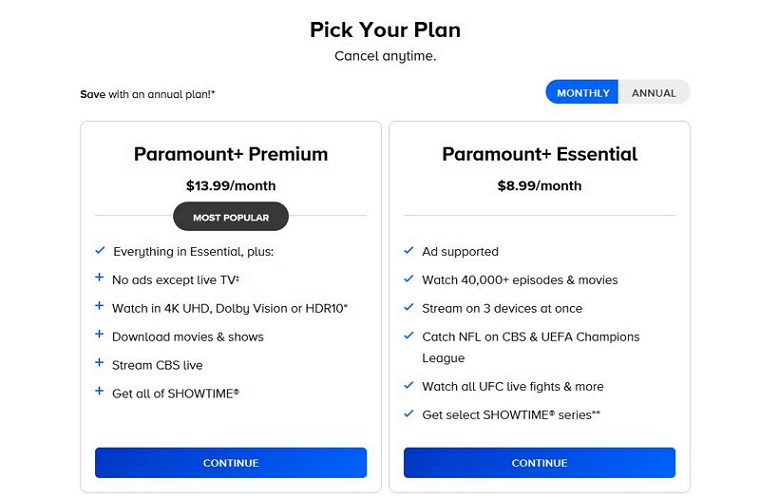
Here’s a simple comparison of the current plans for your reference:
Full access to originals and movies
24/7 live stream
All CBS Sports, including March Madness
4k UHD, HDR10, Dolby Vision
Watch NFL on CBS & UEFA Champions League matches
Stream UFC live fights and more
SHOWTIME library not included
3. Fill in the required info to set up your profile.
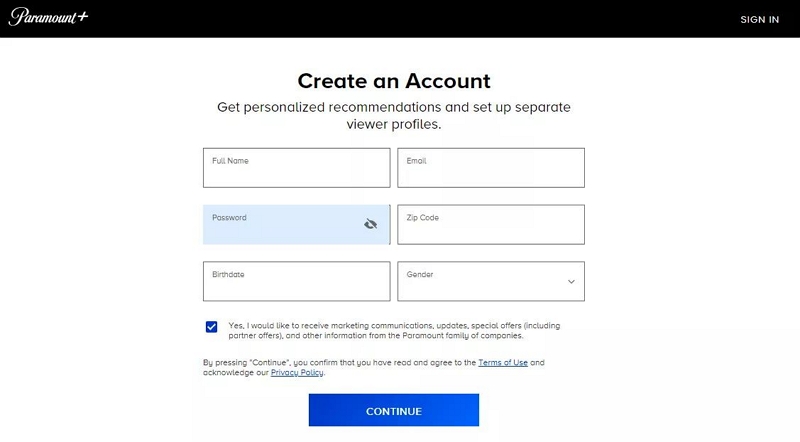
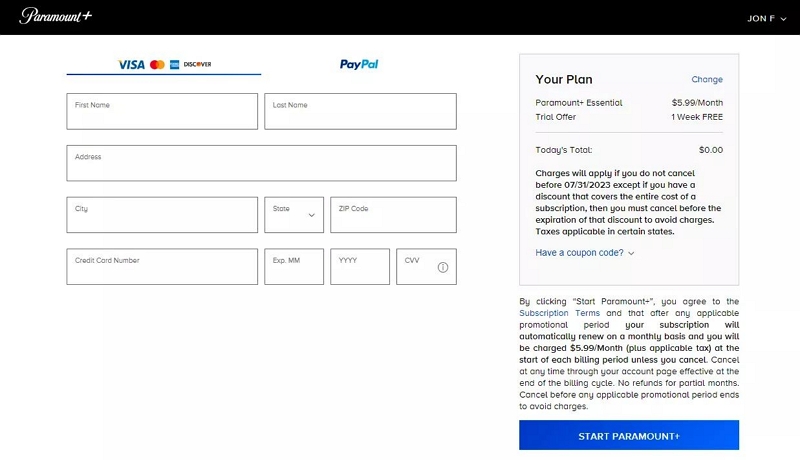
4. Provide your payment details and click Start Paramount+. You will receive a confirmation email after the subscription is successful.
Step 2. Get Paramount+ via PSN
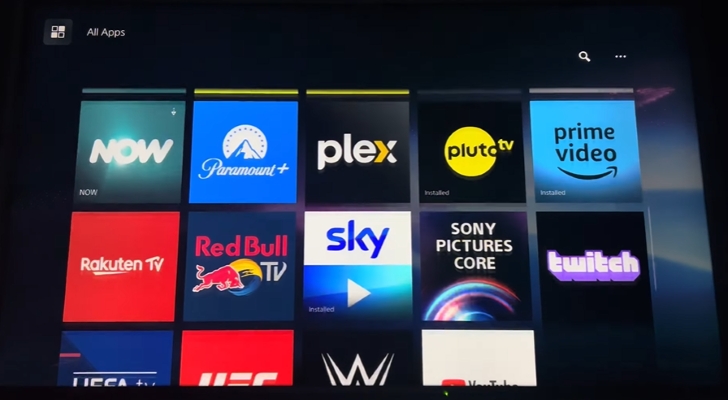
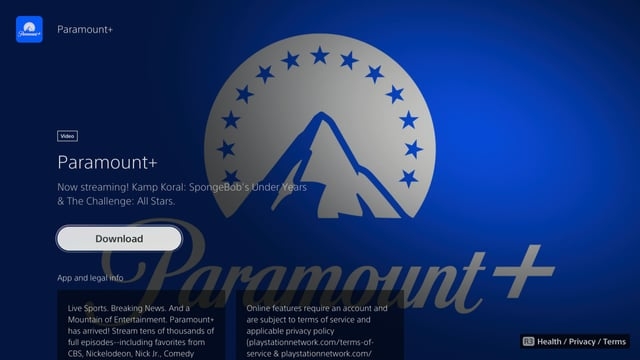
- Go to your PlayStation Store and scroll to Paramount+. In case it is not on the first page, go to the All Apps tab.
- Access Paramount+ and choose Download to install it in your PS console.
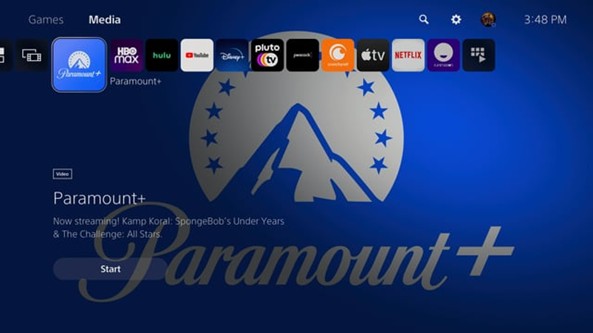
- Press Start to launch the app.
Step 3. Login Paramount+ on PS4/PS5
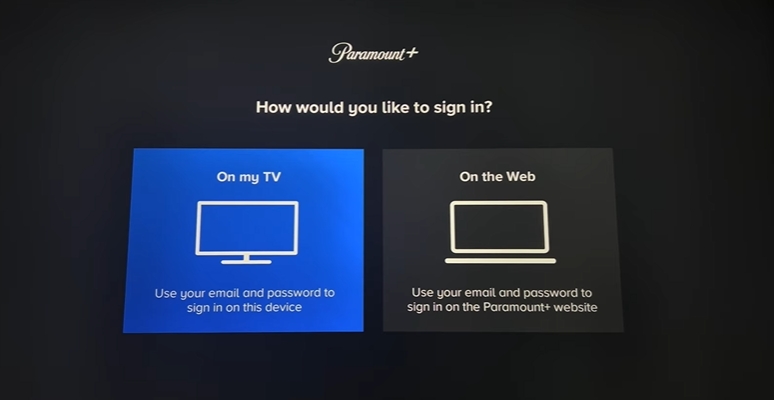
There are two ways to log in to Paramount+ on PS4 or PS5. You can start by typing in your email and password directly on the console, which is all right, as long as you are comfortable typing with the controller. The other option is using an activation code, which is quicker and simpler, as you reserve it on a phone or a PC rather than on PlayStation. To the majority, the activation-code way is faster.
Option 1. Use Account Info
After choosing On my TV, enter your email and password directly on the PS4/PS5 screen.
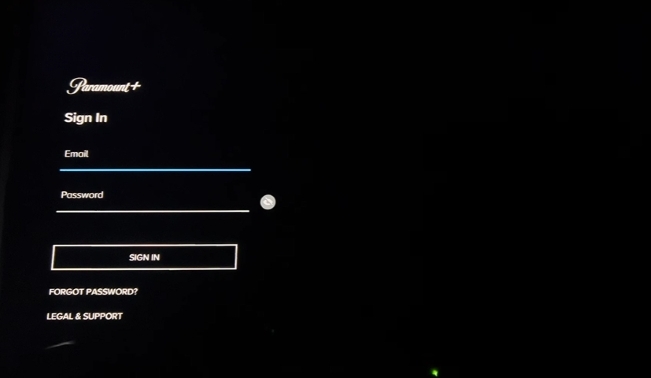
Option 2. Use Activate Code
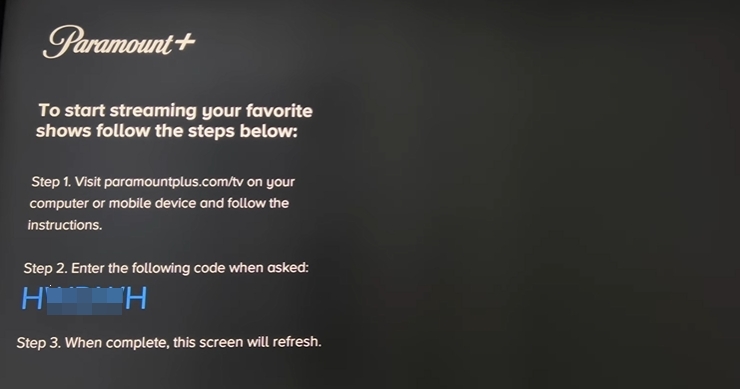
- Go to ParamountPlus.com/activate on your mobile or desktop and sign in.
- Enter the unique code shown on your PlayStation. The screen will automatically refresh to the home page.
Step 4. Start Enjoying Paramount+ on PS4/PS5
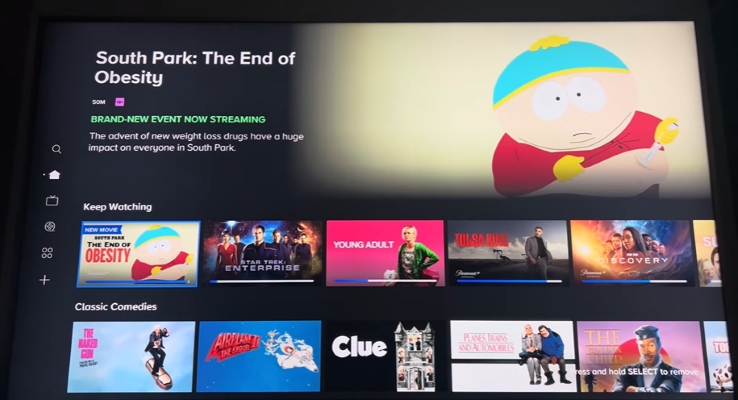
Now, you can browse the Paramount+ app to grab movies, TV shows, or live sports. Select a title, tap play, and enjoy as you stream directly on the big screen in buttery smooth top-notch playback.
FAQ: Can You Watch Paramount+ on PS4/PS5 Offline?
No, Paramount+ does not allow offline access to PS4/PS5. It only supports offline watching in the mobile app currently.
If you want to watch Paramount+ offline on a TV connected to your PS without using the PS itself, you can use Mediaio Video Converter to save Paramount+ videos as local files and then store them on a USB drive. Finally, you can play them directly on your TV.
Simply paste the Paramount+ video link you want to watch offline into Mediaio, login Paramount+ and you can save it as a local video. During the saving process, you can choose the output format (such as MP4 or MOV), the video resolution (even 4K), and the subtitle format if needed. Offline playback isn’t limited to your TV. You can also play the saved Paramount+ videos on your desktop via USB.
How to Watch Paramount Plus on PS4/PS5 via Prime
Amazon Prime Video is capable of streaming Paramount+ on PS4 or PS5. All you have to do is add Paramount+ channel to your Prime account, and you will be able to watch all the movies and shows without downloading the separate application. This feature is convenient to those users who are already subscribers of Amazon Prime Video, as it enables them to handle several streaming platforms under the same interface. If Paramount+ isn’t available for playback on your PS4 or PS5 in your region, this method works for you as well.
Step 1. Download Amazon Prime on PS4/PS5 and Log in
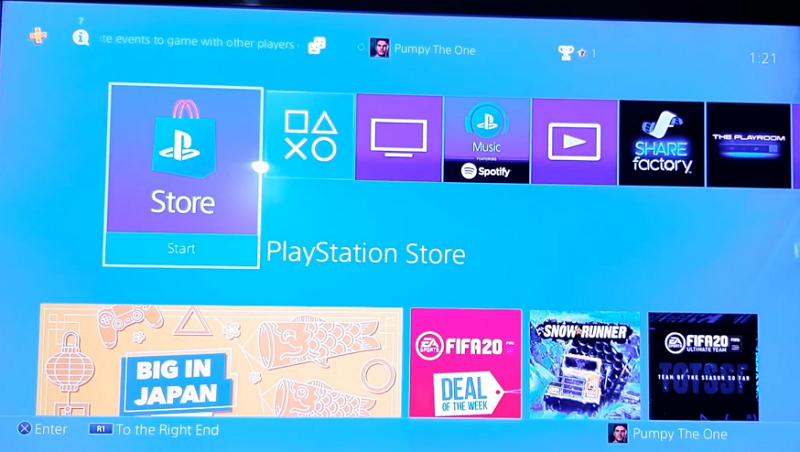
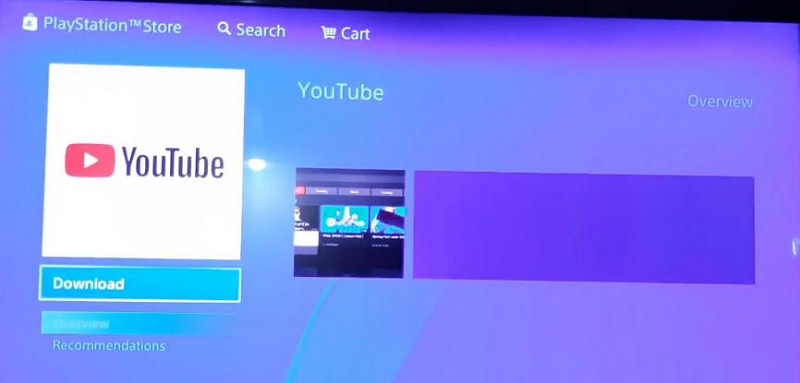
- In order to use Amazon Prime, you will have to download the Prime Video application from the PlayStation Store and sign in with it using your account.
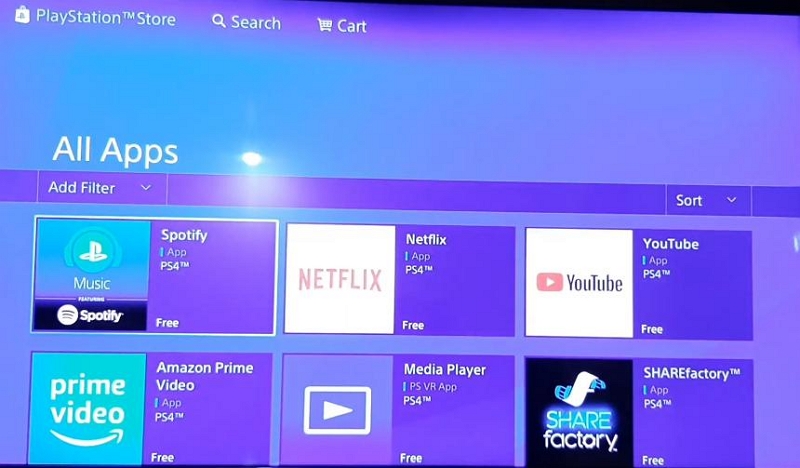
- Switch to All Apps in the left pane and choose Prime Video from the right section.
- Select Download under the Prime icon.
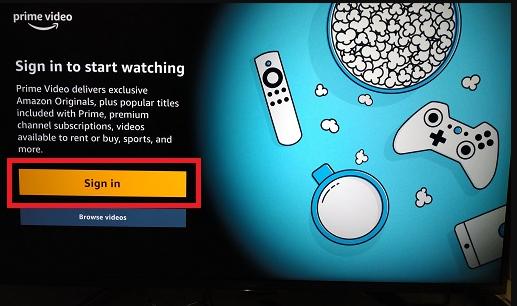
- Launch Prime and choose Sign in.
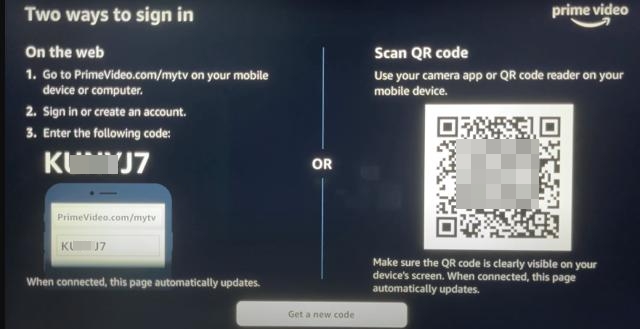
- Sign in Prime with activation code or QR code. If your phone is available, scanning the QR code is a convenient way.
Step 2. Add Paramount+ Channel to Prime on PS4/PS5
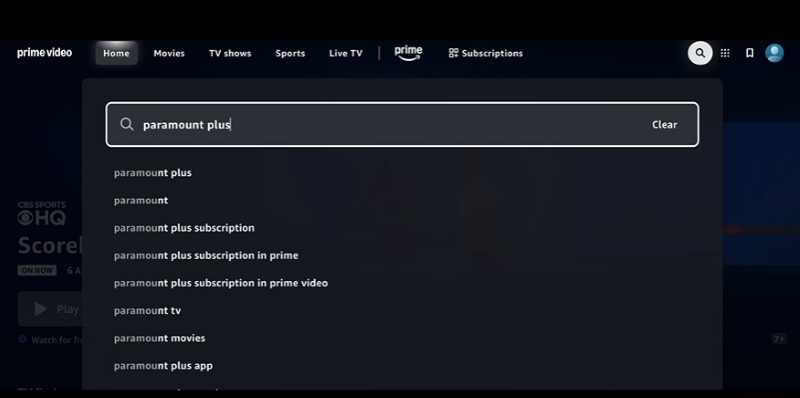
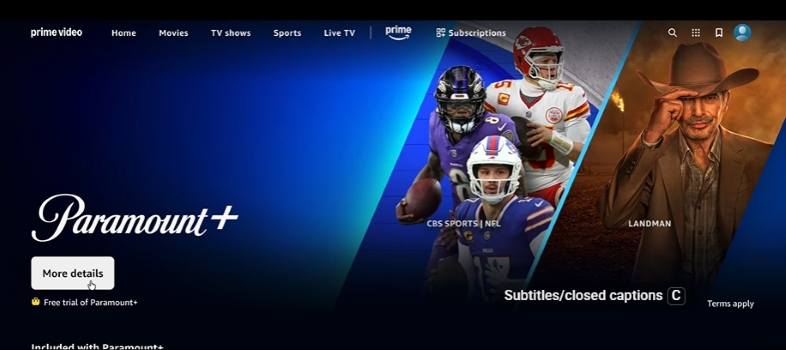
- Go to Prime Video search, enter Paramount+, and select it.
- In the Paramount+ screen, click More details for subscription plans.
- Follow the onscreen steps to complete the subscription. You can refer to Step 1 in Part 1 above for detailed steps.
Step 3. Stream Paramount+ on PS4/PS5
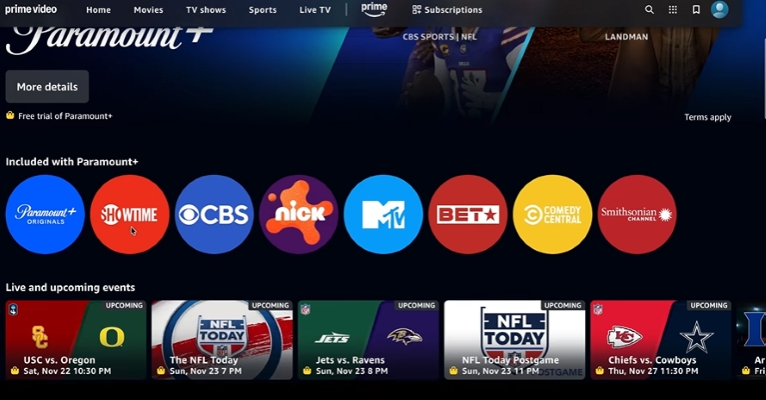
Once added to your channel, it is going to be listed under your Prime subscriptions. Now, all shows and movies of Paramount Plus are available in the Prime Video app. Just browse by categories such as Movies, TV Shows, Originals or Live Sports. All you have to do is choose a title and press Play.
Fixed: Paramount Plus Not Working on PS4/PS5
The Paramount+ experience on PS4 or PS5 can be linked to some hiccups, such as cases when it is impossible to log in, or the buffering stops occasionally. It has been discovered that most of the problems can be solved with just two simple procedures, including checking the settings of the region or just rebooting the console. The table below describes the most common challenges and the available solutions to restore the process of streaming to its course without any delays.
Connect your PS console to a stable network.
Final Words
To watch Paramount+ on PS4/PS5, you can use the official Paramount Plus app or sign into Amazon Prime to have more varied options. We have demonstrated the steps to log in, stream, and troubleshoot the commonly occurring issues above. Besides, we have also shared you how to watch Paramount+ offline on TV or desktop with the help of Mediaio Video Converter.