Video Conversion
Convert between 1000+ formats with maximum quality retention.

A reliable, no-fuss video converting tool designed to handle everyday format changes, batch processing, and file conversions for work, archive, or personal projects.
Explore Video Guides
Convert between 1000+ formats with maximum quality retention.
Process multiple files simultaneously with queue management.
Create and save custom encoding profiles for recurring tasks.
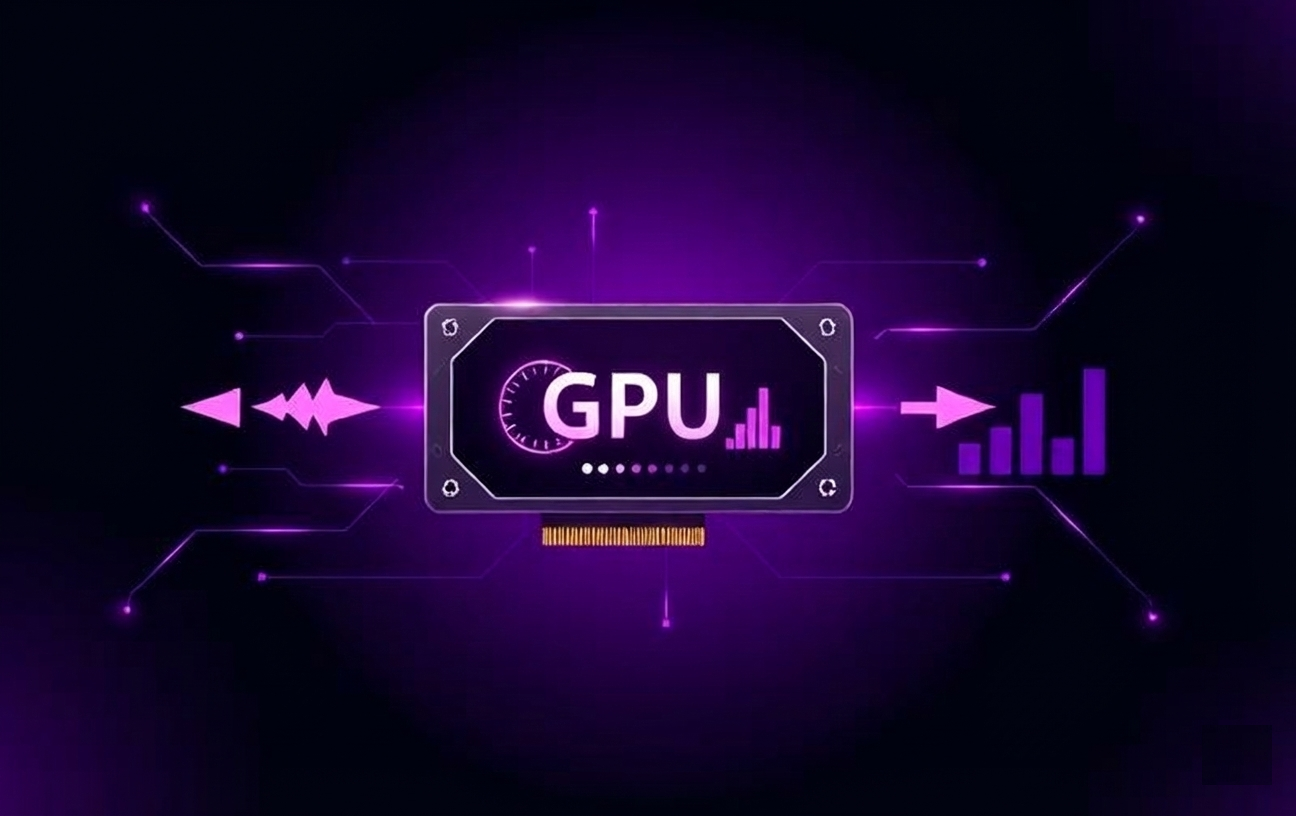
Hardware acceleration for up to 10x faster encoding times.
Convert videos between virtually any format including MP4, MOV, AVI, MKV, WEBM, FLV, WMV, and hundreds more. Maintain original quality or optimize for specific devices and platforms.

Queue multiple videos and process them all at once. Set it and forget it — the converter handles everything in the background while you focus on other work.
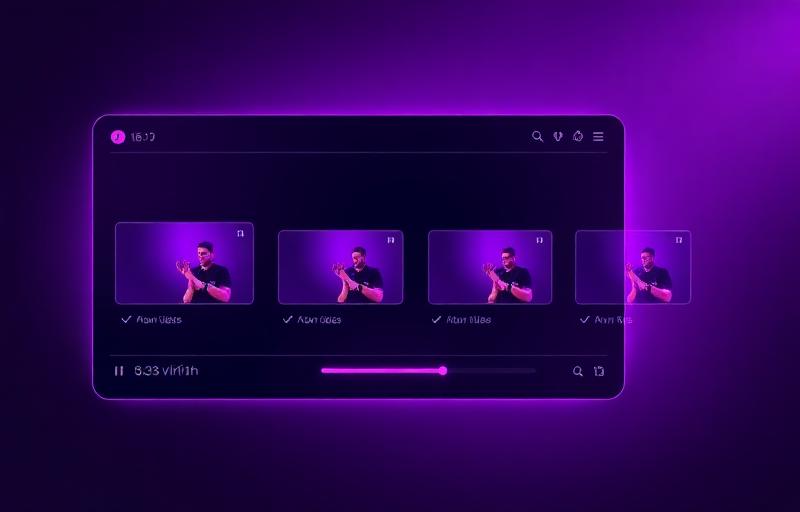
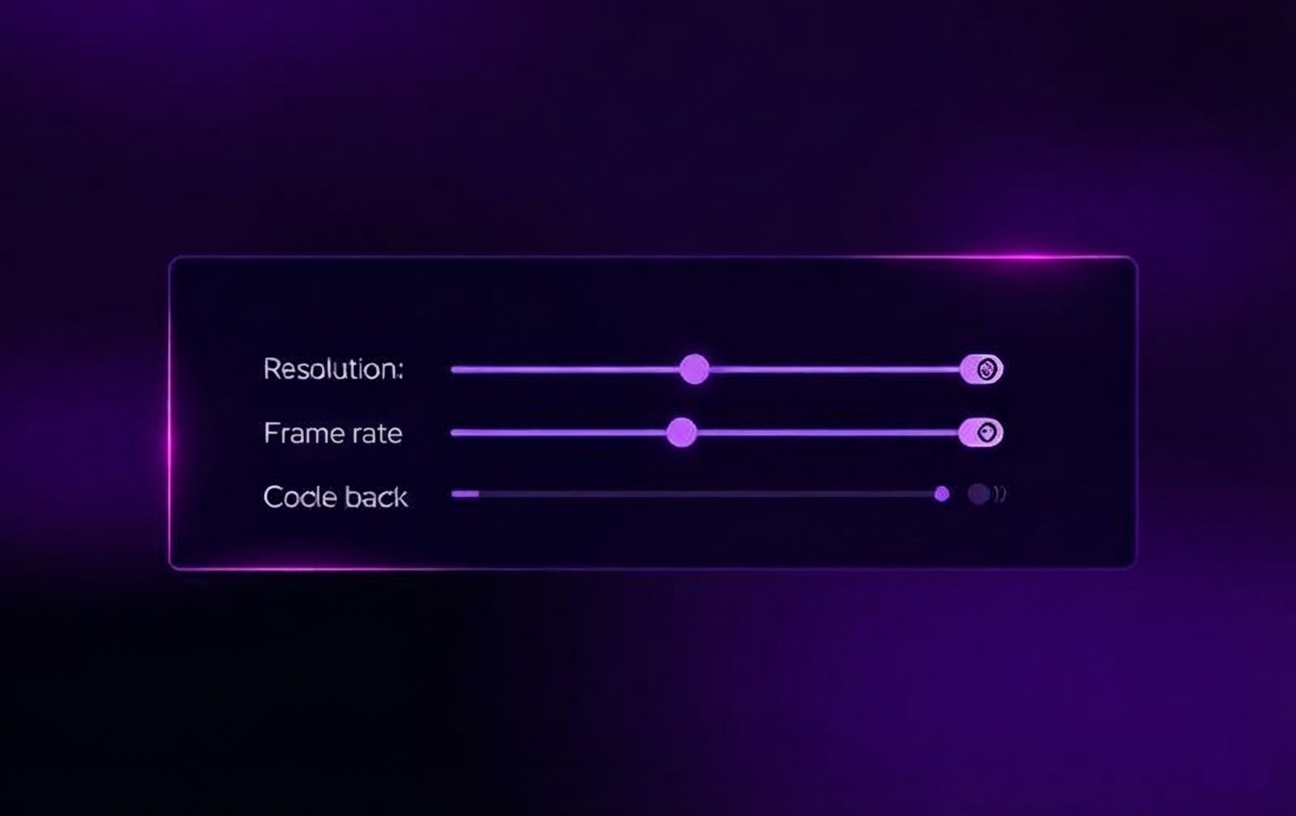
Fine-tune output quality with precision controls. Adjust bitrate, resolution, frame rate, and codec settings to achieve the perfect balance between file size and quality.
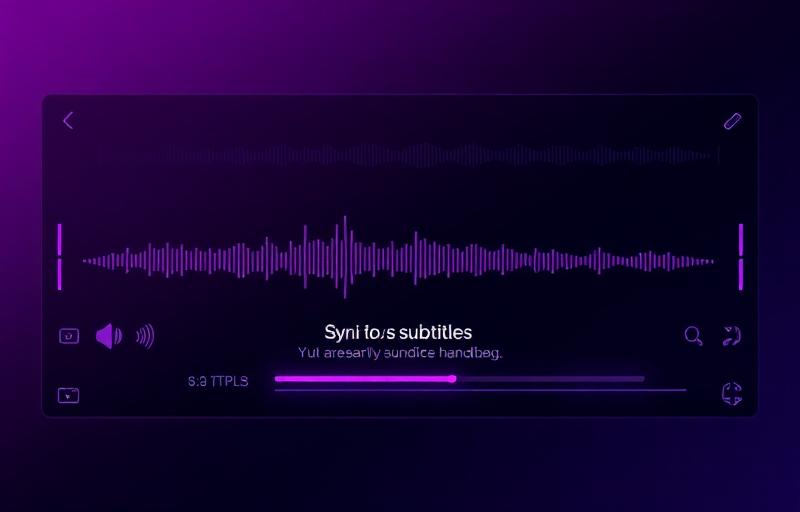
Extract, add, or synchronize audio tracks. Import subtitles in SRT, ASS, or other formats. Merge multiple audio streams into a single video file.
Take advantage of your GPU for blazing-fast conversions. Intel Quick Sync, NVIDIA NVENC, and AMD VCE support ensures maximum performance on any system.
The tool also supports processing videos from selected streaming sources, enabling format conversion and offline playback preparation for personal use.
Convert streaming videos to compatible formats.
Maintain video quality during processing.
Enable stable offline playback on supported devices.
Convert videos locally in a few simple steps — no cloud upload required.
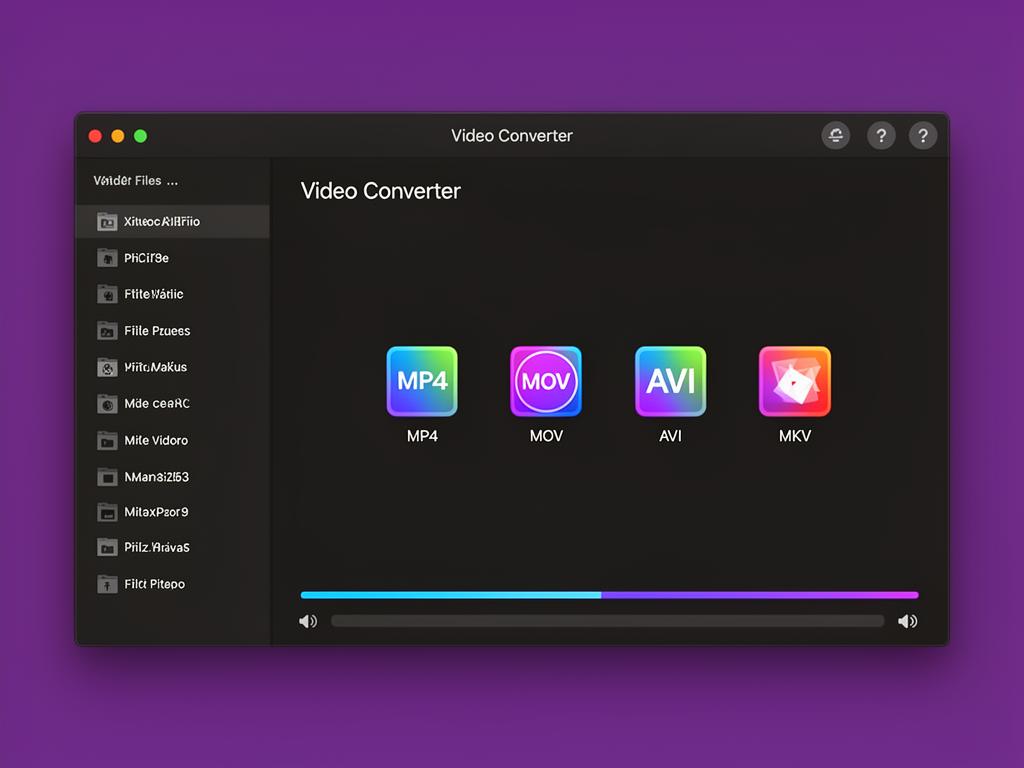
From personal archives to professional workflows, handle any video task with ease.

Preserve memories in future-proof formats.
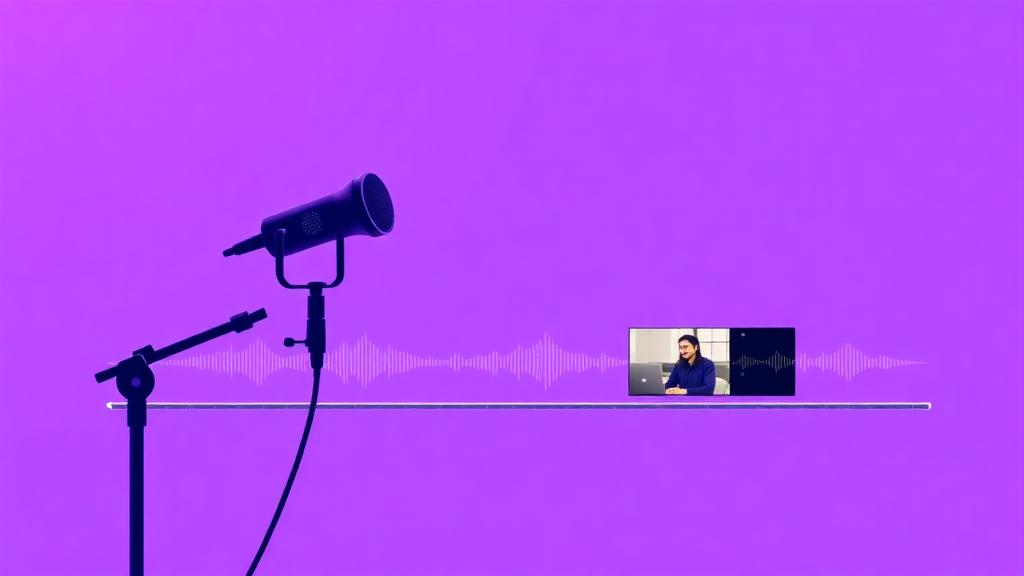
Extract audio or optimize for platforms.
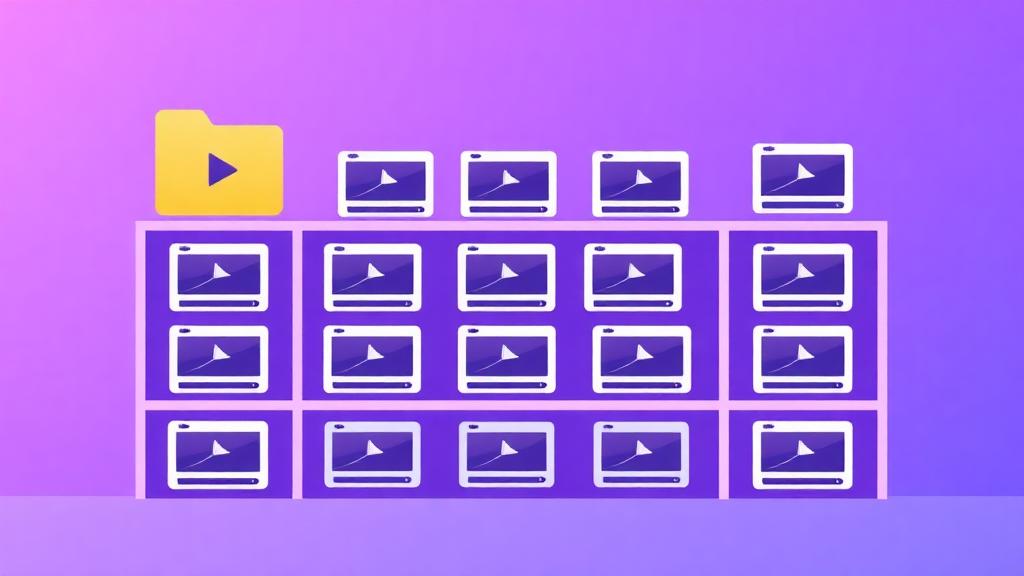
Batch rename and convert entire libraries.
Repair corrupted files and codec issues.
No uploads. No tracking. No platform scraping.
Powered by modern codecs and GPU acceleration for reliable, uninterrupted processing.
Used by editors, archivists, educators, and everyday users.
Join thousands of satisfied users
Download Mediaio Video Converter and start processing your videos today.